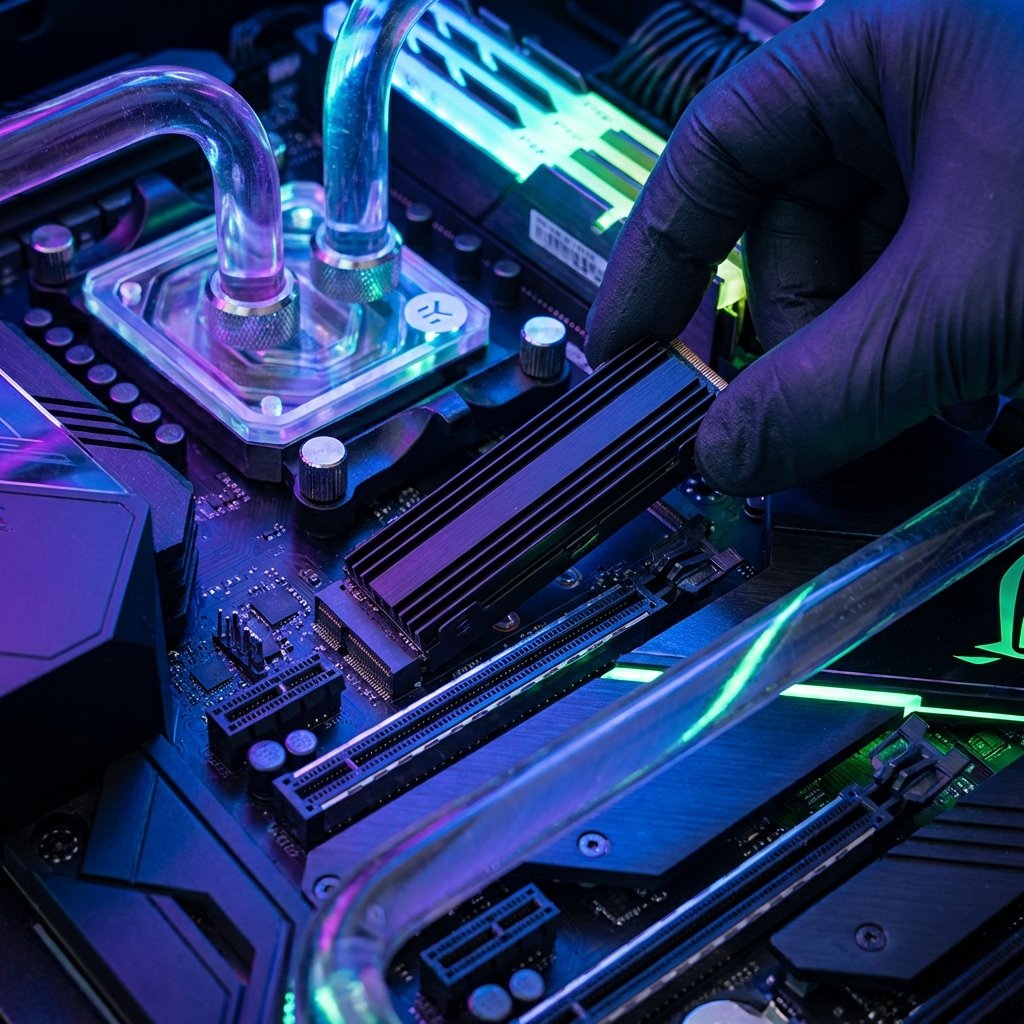
SSDs have completely replaced HDDs for primary storage in 2026. However, with speeds ranging from 550MB/s to 12,000MB/s+, choosing the right one for your budget and motherboard is crucial.
SATA vs NVMe: What's the Difference?
SATA SSDs were the first generation, shaped like 2.5-inch laptop drives. They are limited to 550MB/s. They are still excellent for "bulk" fast storage (e.g., your game library). NVMe drives (M.2 sticks) use the PCIe lanes directly and are significantly faster.
Best for: Media labs, old Laptops
Best for: Gaming (PS5), Productivity
Best for: Extreme Workstations
PS5 SSD Upgrades in the UK
If you're upgrading your PlayStation 5, you need a **PCIe 4.0 M.2 NVMe SSD** with a read speed of at least 5,500MB/s. In the UK market, the **Samsung 980 Pro**, **WD Black SN850X**, and **Crucial P5 Plus** are the most reliable choices and often go on sale on Amazon UK.
The QLC vs TLC Debate
Not all flash memory is equal. **TLC (Triple Level Cell)** is more durable and faster for heavy workloads. **QLC (Quad Level Cell)** is cheaper and allows for higher capacities (4TB+) but can slow down during massive file transfers once the "cache" is full.
Where to find SSD Deals?
Unlike hard drives, we recommend buying SSDs **new** from Amazon or retailers like Scan and Aria PC to ensure you have a valid manufacturer warranty. SSDs have a finite lifespan defined by **TBW (Terabytes Written)**, so buying second-hand is risky unless you can verify the health data beforehand.